IPTV Smarters Pro UK: Install & Login Guide
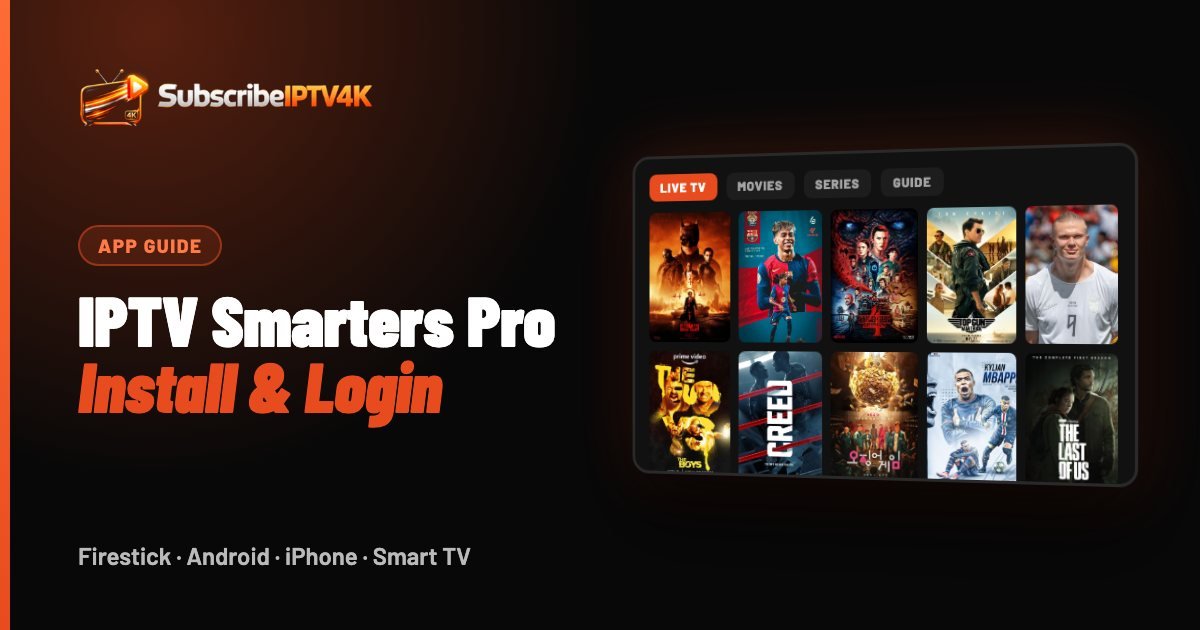
IPTV Smarters Pro is the most popular IPTV player in the UK. It's free, it runs on almost every device, and it turns your subscription into a clean TV guide with live channels, films and series. Here's how to install it, log in, and fix the most common problems.
Quick answer
IPTV Smarters Pro is a free IPTV player for Firestick, Android, iPhone, Smart TVs and PC. It has no channels of its own: install it, choose "Login with Xtream Codes API" and enter the server URL, username and password from your IPTV provider.
What IPTV Smarters Pro is (and isn't)
IPTV Smarters Pro is a player. It doesn't include any channels on its own: it displays the channels, films and TV guide from the IPTV subscription you sign in with. That's why searching for an "IPTV Smarters Pro subscription" really means looking for a provider that works with the app — like SubscribeIPTV4K.
Good to know: the same SubscribeIPTV4K login works in IPTV Smarters Pro, TiviMate, GSE Smart IPTV, XCIPTV, Kodi and VLC. You can switch apps at any time.
Choosing an IPTV Smarters Pro subscription
Because the app is free and empty, the subscription is what you're really choosing. A good IPTV Smarters Pro subscription in the UK should:
- Support Xtream Codes login, so channels, films, series and the TV guide load automatically.
- Organise channels into clear UK categories (Sports, Entertainment, Films, Kids, News) so you're not scrolling through thousands of foreign channels.
- Include catch-up and an accurate EPG.
- Let you sign in on several devices — phone, Firestick and Smart TV — with the same details.
SubscribeIPTV4K ticks every box, from £4.17 a month. You can test it inside IPTV Smarters Pro with our free 2-hour trial, then choose a plan on our prices page.
Features worth knowing
- Favourites: long-press a channel to add it, so match-day channels are one click away.
- Catch-up: channels with a clock icon let you watch programmes from the past few days.
- Parental control: lock adult or specific categories with a PIN in Settings.
- Multi-screen: on bigger screens, watch several channels side by side.
- External players: if a stream stutters, switch to another built-in player in Settings.
Install it on your device
Amazon Firestick and Fire TV
IPTV Smarters Pro isn't in the Amazon Appstore, so it's installed with the free Downloader app. Follow our step-by-step Firestick guide — it takes about five minutes.
Android phones, tablets and Android TV boxes
Install IPTV Smarters Pro from the official IPTV Smarters website, then open it and choose your login method. On Android TV boxes, TiviMate from the Google Play Store is also an excellent choice.
iPhone, iPad and Apple TV
Download the official Smarters player from the App Store, or use GSE Smart IPTV. Both accept the same login details.
Samsung and LG Smart TVs
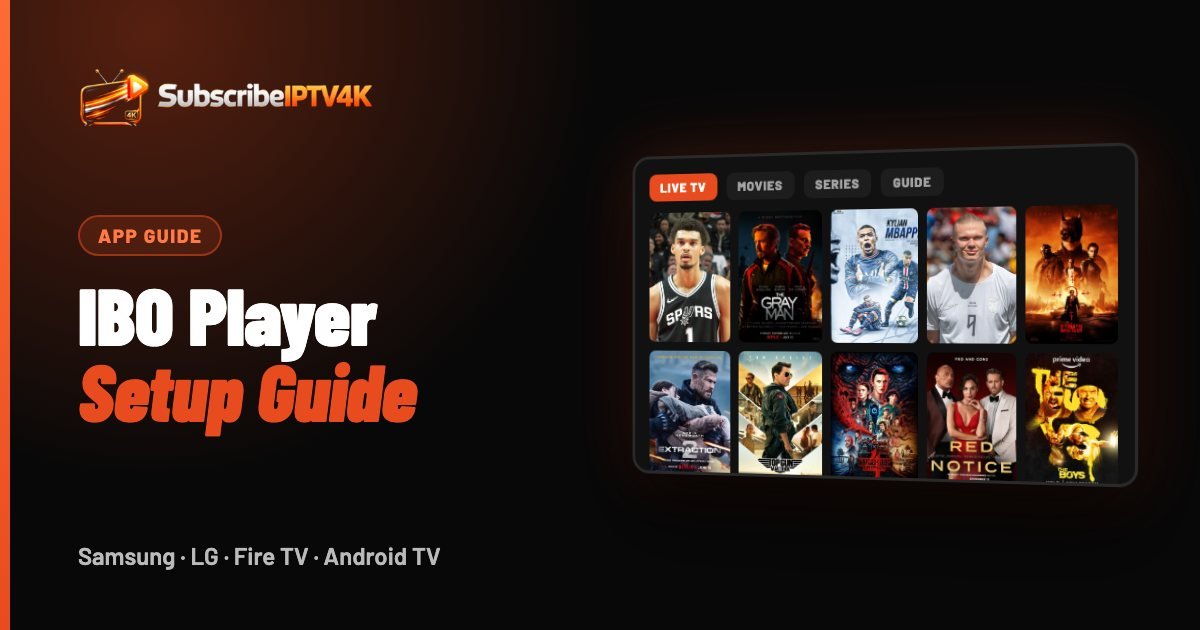
App availability depends on your TV model and region. Look in your TV's app store for IPTV Smarters, Smart IPTV or IBO Player. If none is available, a Fire TV Stick is the simplest upgrade.
Windows and Mac
Use the IPTV Smarters desktop app, or VLC with the M3U link we provide.
Log in with Xtream Codes
On first launch, IPTV Smarters Pro asks you to choose a login method.
It's the fastest option and loads the TV guide automatically.
Any name (for example "SubscribeIPTV4K"), then the username, password and server URL we sent you on WhatsApp or by email.
The first load of 20,000+ channels and the EPG takes about a minute. After that, the app opens instantly.
Smarters Pro vs TiviMate vs Smart IPTV
| App | Price | Best for |
|---|---|---|
| IPTV Smarters Pro | Free | Beginners, films and series |
| TiviMate | Free / Premium | Live TV and the best TV guide |
| Smart IPTV / IBO Player | One-off fee | Samsung and LG Smart TVs |
| GSE Smart IPTV | Free | iPhone and iPad |
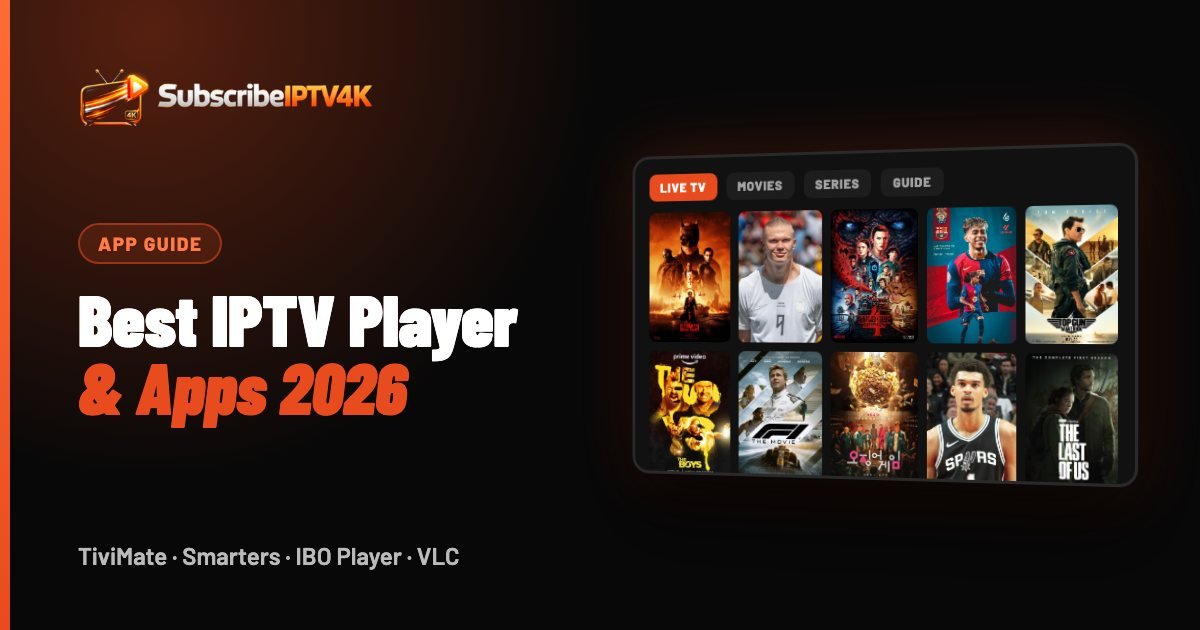
More options for every device are in our best IPTV player and apps guide. On a Samsung or LG TV, follow our IBO Player setup guide.
Common problems and fixes
"Unfortunately, IPTV Smarters Pro has stopped"
Clear the app's cache and data, update it to the latest version, then restart your device. On a Firestick, also check you have at least 500 MB of free storage.
Channels load but don't play
Open Settings → Player Selection in the app and switch between the built-in players. If the problem continues, restart your router.
The TV guide is empty
Go to Settings → EPG and press "Refresh EPG". It can take a minute to download.
Still stuck? Send us a photo of your screen on WhatsApp and our UK team will guide you live.
Frequently asked questions
What is the best IPTV Smarters Pro subscription in the UK?
Look for Xtream Codes support, UK channel categories, a working TV guide and a free trial. SubscribeIPTV4K offers all four, from £4.17 a month with a 2-hour free trial.
Can I use IPTV Smarters Pro on more than one device?
Yes. Install the app on each device and sign in with the same details. SubscribeIPTV4K supports up to 4 screens at the same time.
Is IPTV Smarters Pro free?
Yes, the player is free. You only need an IPTV subscription to sign in with, such as SubscribeIPTV4K from £4.17 a month.
Does IPTV Smarters Pro work in the UK?
Yes. It works on any UK broadband or mobile connection, on Firestick, Android, iPhone, Smart TV and computer.
Which is better, IPTV Smarters or TiviMate?
IPTV Smarters Pro is easier for beginners and better for films and series. TiviMate is better if you mostly watch live TV and want a cable-style TV guide — see our TiviMate guide.