Best IPTV Player & Apps for 2026
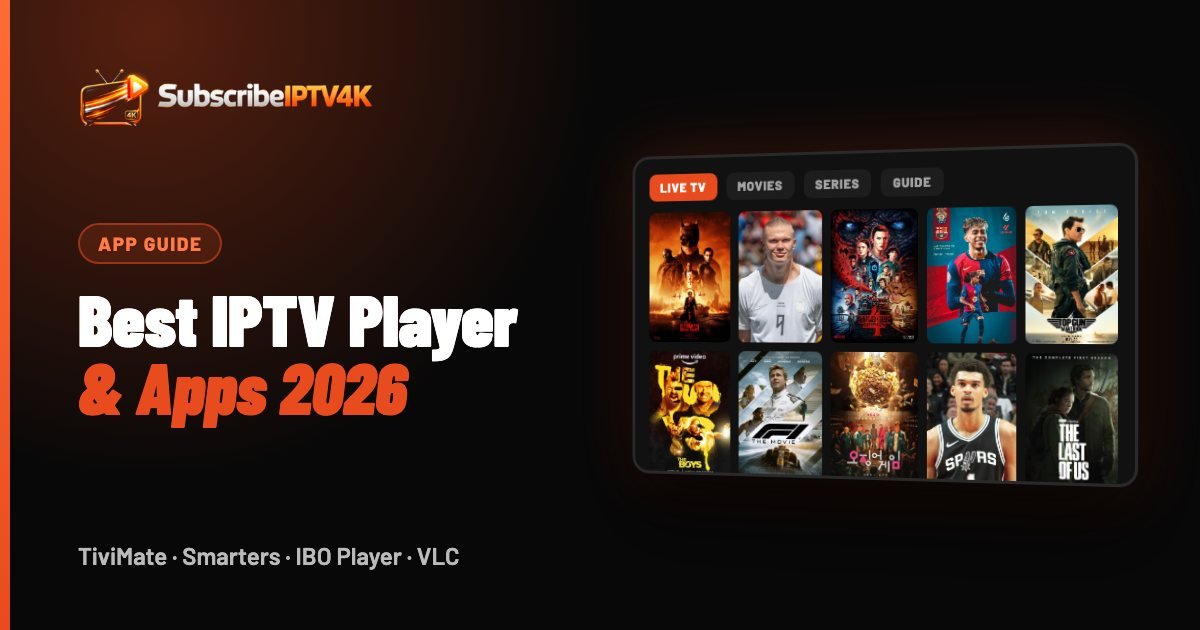
An IPTV player is the app you watch on. It decides how the TV guide looks, how fast channels switch and whether you can record, rewind or watch two matches at once. The right one depends on your device. This guide picks the best IPTV player and apps for Firestick, Smart TV, Apple TV, phone and PC in 2026, with what each one does well and how to sign in.
Quick answer
TiviMate is the best IPTV player for Fire TV and Android TV, IBO Player for Samsung and LG Smart TVs, IPTVX for iPhone, iPad and Apple TV, and IPTV Smarters Pro is the best all-rounder. Every player needs an IPTV subscription to show channels.
Best IPTV app for each device
| Device | Best IPTV app | Good alternatives |
|---|---|---|
| Fire TV Stick | TiviMate | IPTV Smarters Pro, OTT Navigator |
| Android TV / Google TV box | TiviMate | IPTV Smarters Pro, XCIPTV |
| Samsung and LG Smart TV | IBO Player | Smart IPTV, SS IPTV |
| Apple TV, iPhone, iPad | IPTVX | GSE Smart IPTV, iPlayTV, Smarters player |
| Android phone or tablet | IPTV Smarters Pro | XCIPTV, OTT Navigator |
| Windows PC | IPTV Smarters Pro | VLC, Kodi |
| Mac | IPTVX | VLC, IPTV Smarters Pro |
| MAG box | Built-in portal | No app needed |
Looking for IPTV for Android phones and tablets? IPTV Smarters Pro is the simplest choice; TiviMate is designed for TV screens rather than phones. Not sure which device to watch on? Our Smart TV guide and IPTV box guide compare the options.
IPTV player vs IPTV subscription
This is the part that confuses most people. An IPTV player has no channels of its own. TiviMate, IPTV Smarters Pro or IBO Player are empty shells until you add an IPTV subscription to them.
- The player is the app: the screen, the menus, the TV guide layout, recordings and favourites.
- The subscription is the service: the channels, films, picture quality and how stable everything is on a Saturday afternoon.
In short: a great player can't fix a weak subscription. Choose the service first — our guide to the best IPTV providers in the UK explains what to check — then pick the app you enjoy using.
How to choose an IPTV player
1. It must run on your device
TiviMate only runs on Android-based devices (Fire TV, Android TV, Google TV). Samsung and LG TVs need apps built for Tizen and webOS. Apple devices have their own App Store apps.
2. Xtream Codes login
Apps that accept an Xtream Codes login (server URL, username, password) load channels, films, series and the TV guide in one go and stay up to date automatically. A plain M3U playlist works too, but usually with fewer features.
3. A proper TV guide (EPG)
A good grid guide makes live TV feel like a real set-top box: you see what's on now and next, and switch channels in a second.
4. Catch-up, recording and multi-view
Want to rewind a goal or watch two matches side by side? Check that the app supports catch-up, recording and multi-view — usually in a paid or premium version.
5. 4K and frame-rate matching
For 4K IPTV, the app should play 4K streams smoothly and, ideally, match the frame rate of the broadcast so football looks fluid.
The best IPTV apps, reviewed
TiviMate — best for live TV and sport
The closest thing to a Sky box: a fast full-screen guide, instant channel switching, recordings and multi-view in the Premium version. Android devices only. Read our TiviMate guide.
IPTV Smarters Pro — best all-rounder
Available on almost every platform, simple to set up and good for films and series as well as live TV. The easiest choice if your family watches on different devices. See our IPTV Smarters Pro guide.
IBO Player — best for Samsung and LG TVs
Installs straight from the TV's app store and is activated with your TV's MAC address and device key. Clean menus and a good guide on a big screen. Full walkthrough in our IBO Player guide.
IPTVX and GSE Smart IPTV — best on Apple
Both run on iPhone, iPad and Apple TV 4K and support Xtream Codes. IPTVX has the more modern design; GSE is a long-standing, flexible option.
OTT Navigator and XCIPTV — flexible Android options
Highly customisable players for Android TV and Fire TV. Good if you like to tweak the layout or want an alternative to TiviMate.
VLC and Kodi — free, but basic for live TV
VLC plays an M3U playlist on any computer for free, and Kodi can do the same with the PVR IPTV Simple Client add-on. Both work, but neither feels like a TV box.
Best IPTV app for Firestick
On a Fire TV Stick, TiviMate is the best IPTV app for anyone who mostly watches live TV and sport. IPTV Smarters Pro is the easier option for families who watch more films and series. Neither is in the Amazon Appstore, so you install them with the free Downloader app — our Firestick IPTV guide shows every step.
For the best picture, use a Fire TV Stick 4K or 4K Max: older Sticks struggle with 4K and large TV guides.
Best IPTV player for Windows and Mac
- IPTV Smarters Pro for Windows — the same layout as on TV, with live TV, films and series.
- IPTVX — a polished player for Mac.
- VLC — free on Windows and Mac. Open your M3U link with Media → Open Network Stream.
- Kodi — free, with the PVR IPTV Simple Client add-on for a TV guide.
On a laptop, a wired connection or 5 GHz Wi-Fi gives the most stable stream.
How to sign in to any IPTV app
From your device's app store, or with Downloader on a Firestick.
Pick "Xtream Codes" or "Login with Xtream Codes API" when the app asks how to add a playlist.
Type the server URL, username and password from your welcome message. Channels and the TV guide load in a minute or two.
With SubscribeIPTV4K, you can use the same login in TiviMate, IPTV Smarters Pro, IBO Player or any other app — and switch whenever you like. Want to try a few? Start the free 2-hour trial and test them all on your own TV.
IPTV player FAQ
What is the best IPTV player?
TiviMate is the best IPTV player for Fire TV and Android TV, IBO Player for Samsung and LG Smart TVs, IPTVX for Apple devices and IPTV Smarters Pro as an all-rounder that runs almost everywhere.
What is the best IPTV app for Firestick?
TiviMate for live TV and sport, IPTV Smarters Pro for an easy all-round app. Both are installed with the Downloader app.
Do IPTV apps include channels?
No. IPTV players are empty until you add an IPTV subscription. The channels, films and picture quality come from your provider, not from the app.
Are IPTV players free?
Many have a free version. TiviMate Premium and IBO Player charge a small fee to unlock everything; VLC and Kodi are completely free.
Can I use one subscription in several apps?
Yes. Your login works in any app that supports Xtream Codes or M3U, so you can use TiviMate on the living-room TV and IPTV Smarters Pro on your phone.
What is the best IPTV player for Windows?
IPTV Smarters Pro for Windows for a TV-style experience, or VLC if you just want a free player for an M3U playlist.